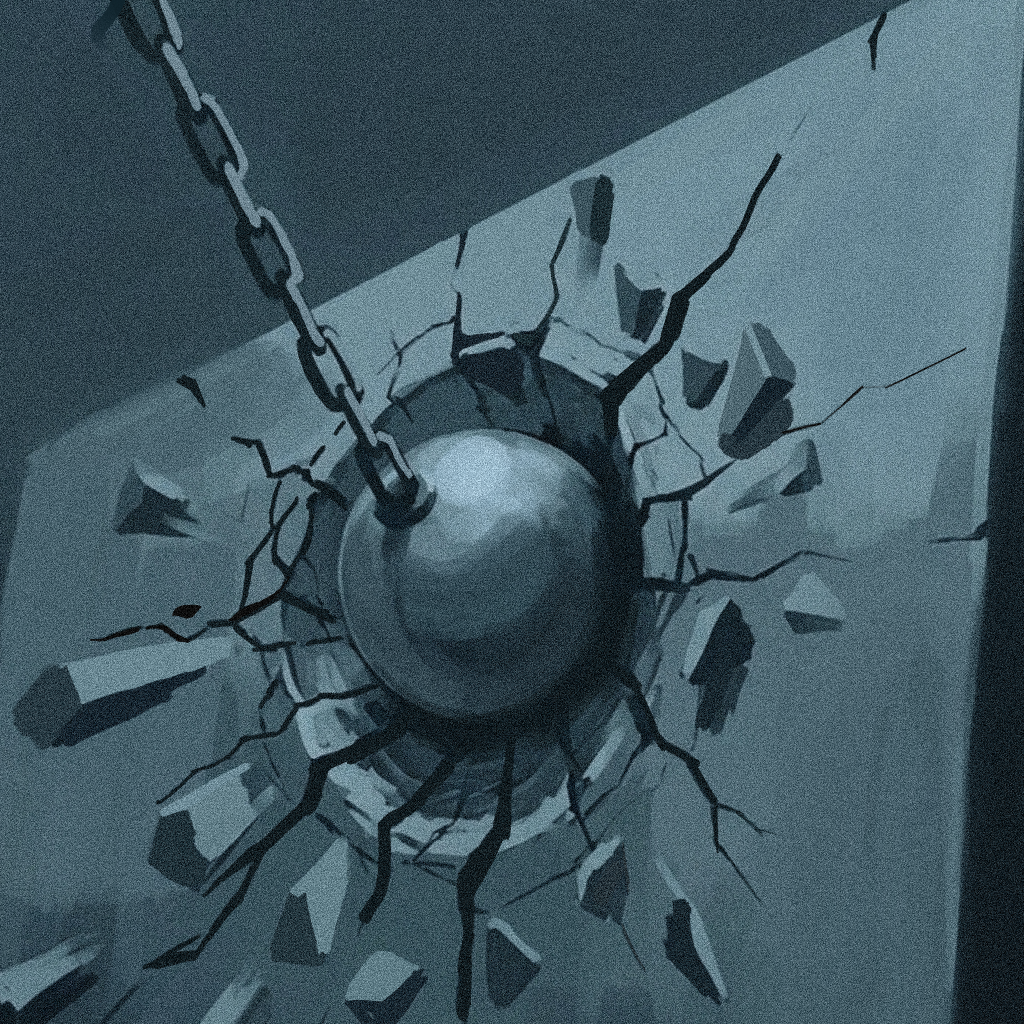
Wreck-ing Ball Simul-ation
Houdini FX
About the Workflow
In Houdini, creating a simulation of a ball smashing through a wall typically starts with modeling the wall geometry and preparing it for fracture using tools like Voronoi or Boolean shattering. The ball is set up as a rigid body collider, while the fractured wall pieces are converted into packed rigid bodies within a dynamics network (DOPs). By assigning physical properties such as mass, constraints, and collision settings, you can simulate the impact—where the ball breaks through, constraints snap, and debris scatters realistically. Finally, the simulation is refined with secondary effects like dust, smaller debris, and caching for efficient playback and rendering.
Explaination
–
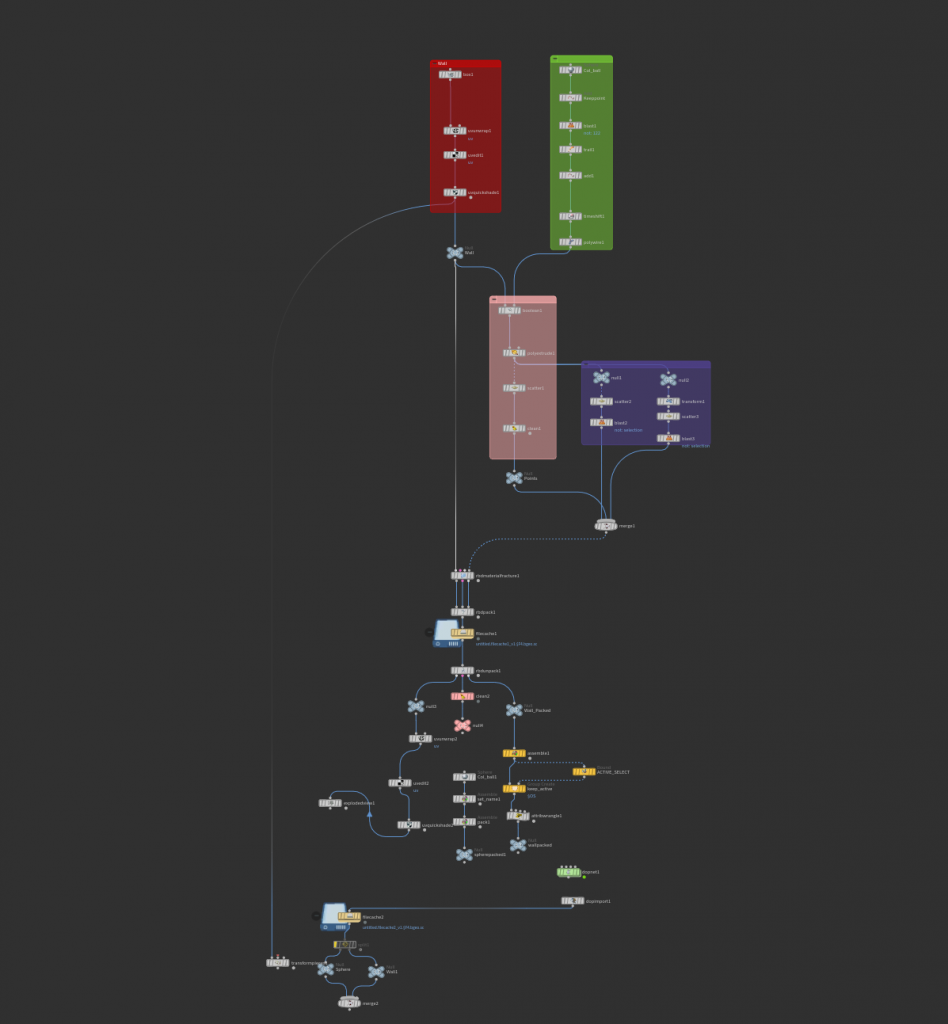
In Houdini, the core of this kind of destruction setup lives inside the DOP network (often called a DOPnet), which is where all the dynamics are actually solved over time. After fracturing the wall in SOPs, the pieces are brought into DOPs using nodes like RBD Packed Object or RBD Material Fracture setups, where each fragment becomes a simulated rigid body. The ball is also imported as a collider with active motion, and forces such as gravity are applied globally. The DOPnet evaluates each timestep, calculating collisions, velocity changes, and constraint behavior to determine how the wall reacts when the ball hits.
A key part of making the wall break convincingly is the constraint network inside the DOPnet. Instead of the wall pieces immediately flying apart, they are held together with constraints (like glue or hard constraints) that define how strong the connections are. When the ball impacts the wall, the solver checks the stress on these constraints; once thresholds are exceeded, they break, allowing chunks to separate and form a hole. You can fine-tune attributes like constraint strength, propagation, and damping to control whether the wall shatters violently or crumbles more gradually.
Within the DOPnet, the Bullet solver is typically used for rigid body simulations because of its speed and stability. It handles collisions between the ball and the fractured pieces efficiently, even with a large number of fragments. Substeps and collision padding can be adjusted to improve accuracy, especially for fast-moving objects like the ball. You can also layer in additional nodes—such as impact analysis or SOP solvers—to modify behavior during the simulation, like triggering extra fracturing or emitting debris exactly at the moment of collision.
Finally, the simulation data is brought back out of the DOPnet into SOPs for caching, refinement, and rendering. At this stage, you might add secondary effects such as dust (via particles or volumes), smaller debris, or motion blur to enhance realism. The DOPnet essentially acts as the “physics brain” of the setup, continuously updating the state of every fractured piece and ensuring the interaction between the ball and wall feels physically believable.
Leave a Reply