Grass Intera-ction
Houdini FX
About Us
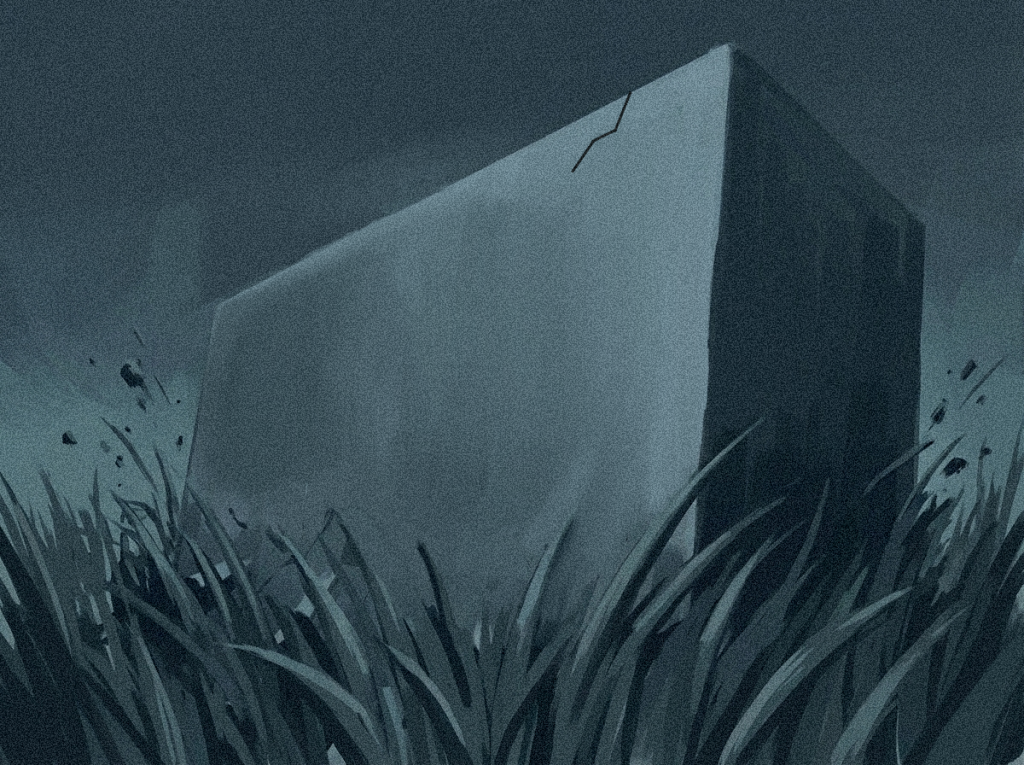
In Houdini, a box interacting with grass usually involves setting up the grass as curves or thin geometry driven by a system like Vellum for soft-body dynamics. The grass blades are given bend and stiffness constraints so they can flex naturally when forces are applied. The moving box is brought in as a collider, and as it passes through, collision detection pushes the blades aside while preserving their rooted positions at the base.
To enhance realism, attributes like stiffness, damping, and mass can be varied across the grass to avoid uniform motion. You can also add a slight rest animation or wind force so the grass is already moving before the interaction, making the response feel more organic. After the box passes, the constraints allow the blades to spring back over time, and additional effects like drag or noise can help break up the motion and prevent it from looking too rigid or synchronized.
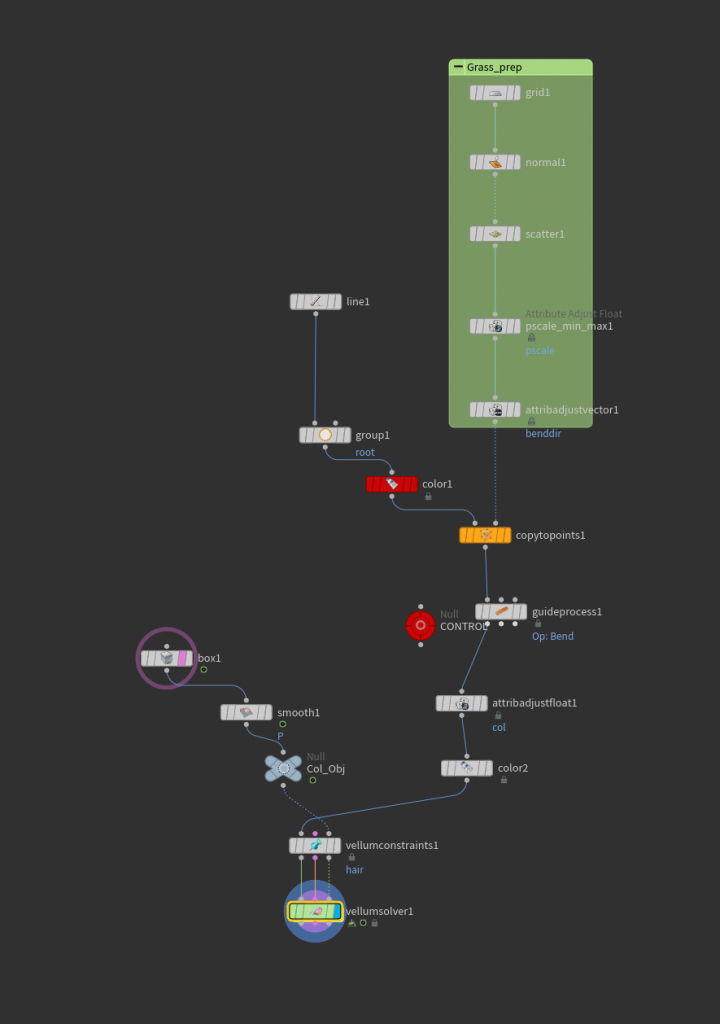
Instead of simulating every blade at full cost, you can use a mask or falloff region based on the box’s position—often created with attributes like distance or a bounding volume—to drive which grass is affected. This keeps distant grass static or lightly animated while only nearby blades are fully simulated, improving performance and control.
A useful trick is to blend between procedural deformation and simulation. For example, you can first apply a simple bend or directional push in SOPs based on the box’s velocity and proximity, then feed that into a Vellum simulation as an initial state. This gives you more art direction and avoids overly chaotic motion. You can also store the “rest” position of the grass and use it to smoothly interpolate the blades back after interaction, rather than relying purely on simulation to settle.
Another layer comes from using velocity transfer: the movement of the box can be converted into attributes that influence the grass directionally, creating a sense of drag as it passes through. Combined with slight randomization in blade length, orientation, and stiffness, this prevents the interaction from feeling too uniform. These workflow details help balance realism, control, and efficiency, which is key when working with dense environments like grass.
Leave a Reply