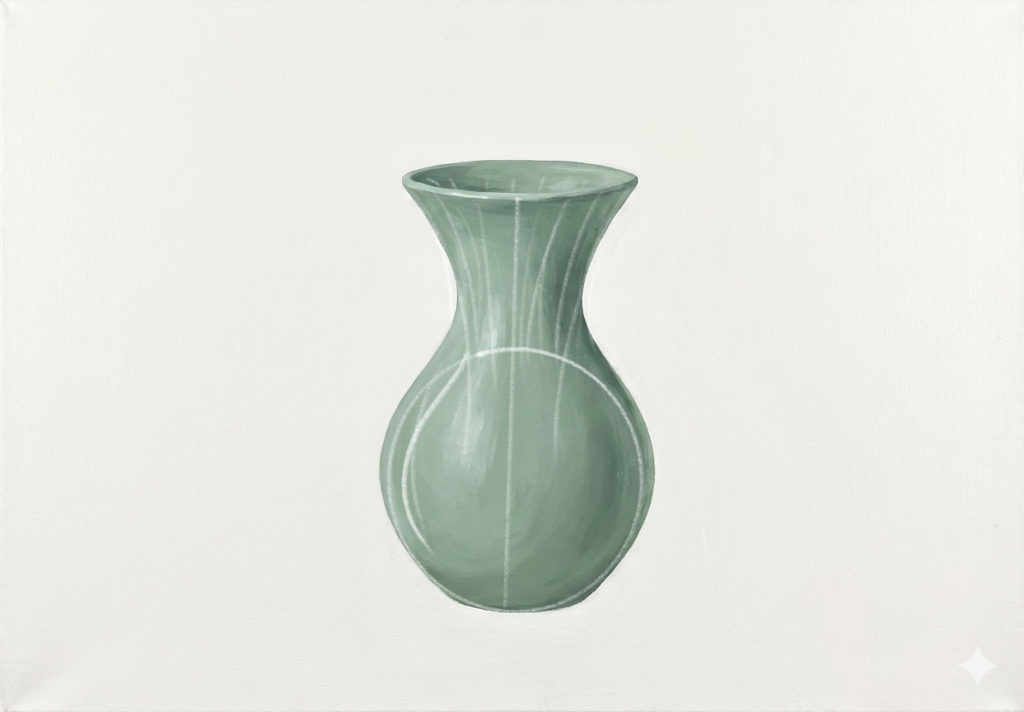
Vase Explo-sion
Houdini FX
Workflow
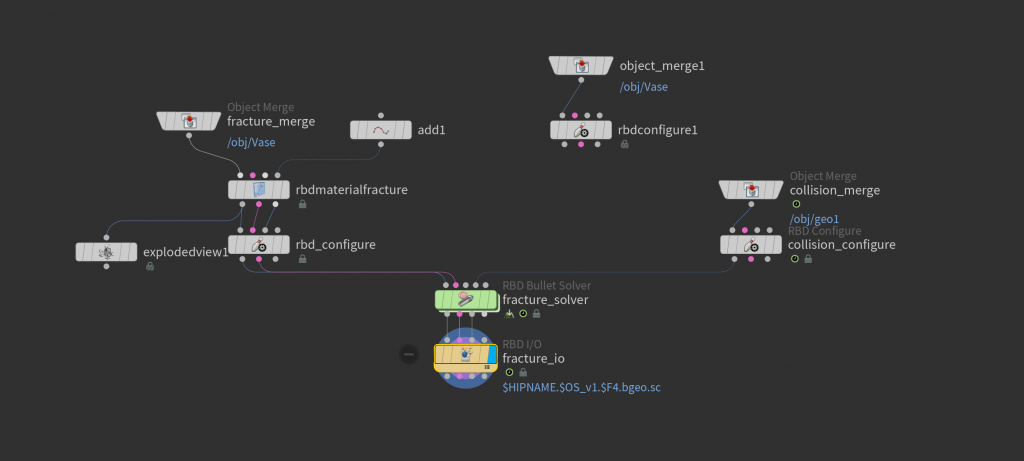
In Houdini, a bullet-through-vase simulation follows a similar DOPnet workflow but at a smaller, faster scale. The vase is pre-fractured into fine pieces and brought into the DOP network as packed rigid bodies with glue constraints holding them together. The bullet is set as a fast-moving collider, and within the DOPnet (using the Bullet solver with increased substeps), the impact causes constraints to break almost instantly, allowing the vase to shatter outward. The result is a quick, explosive breakup, often enhanced afterward with added micro-debris and dust for realism.
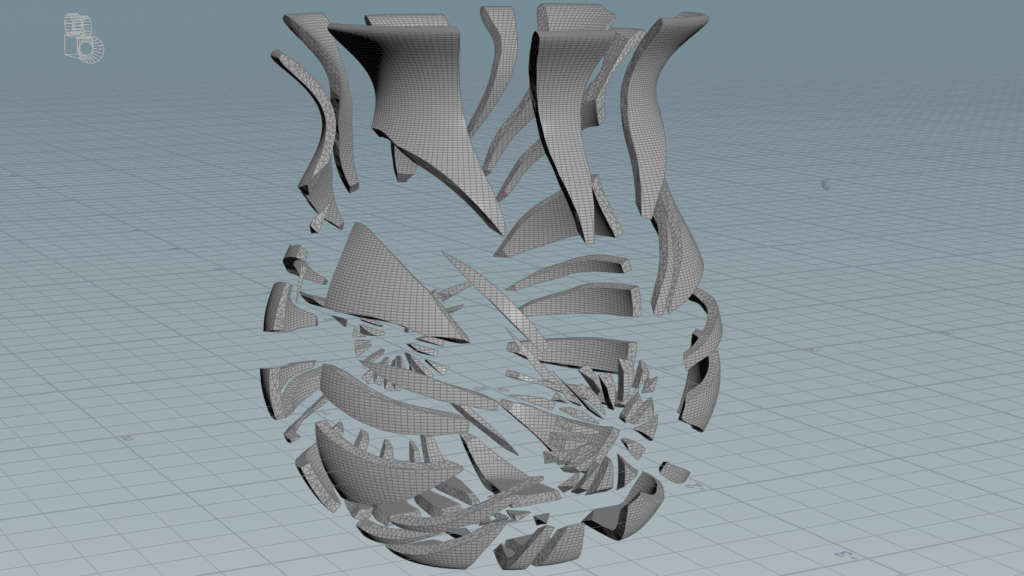
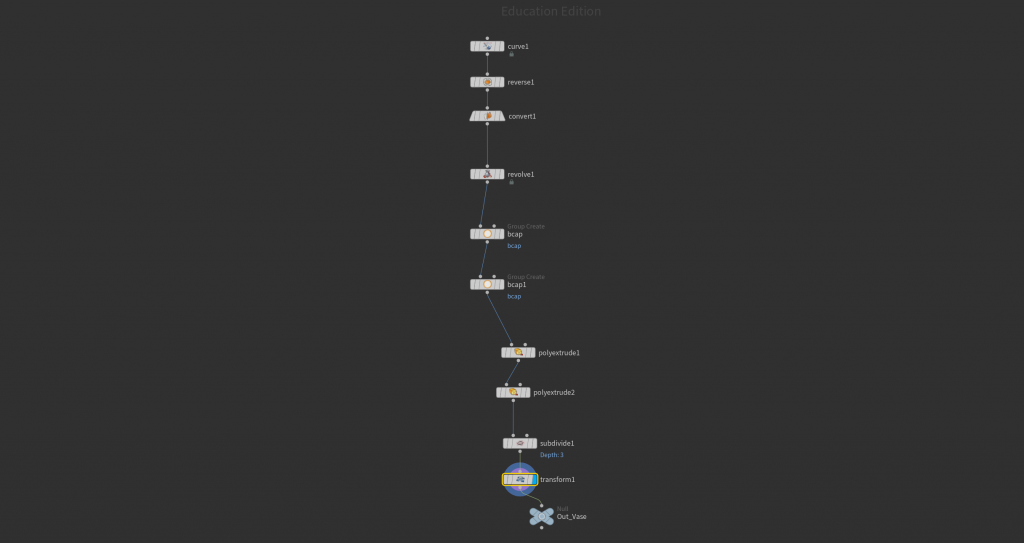
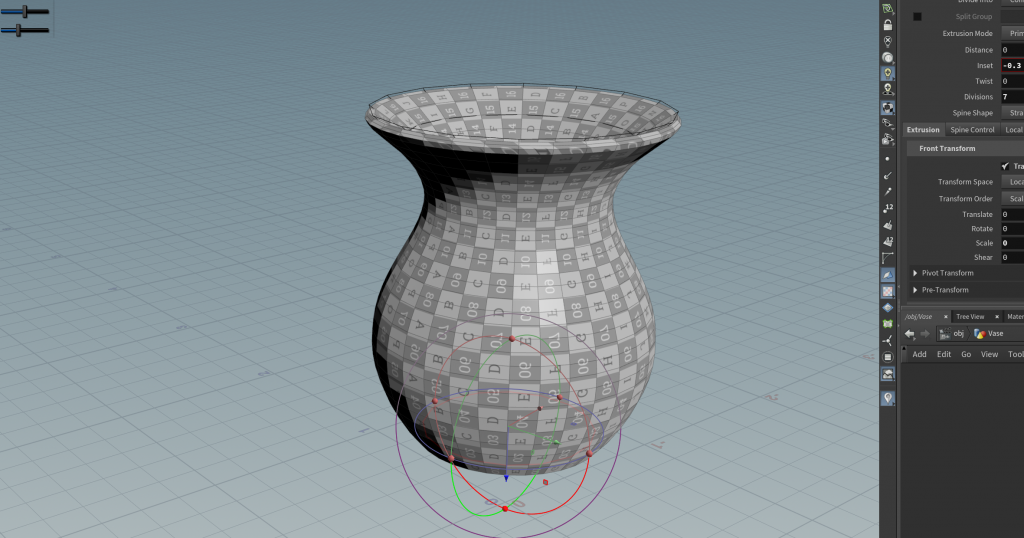
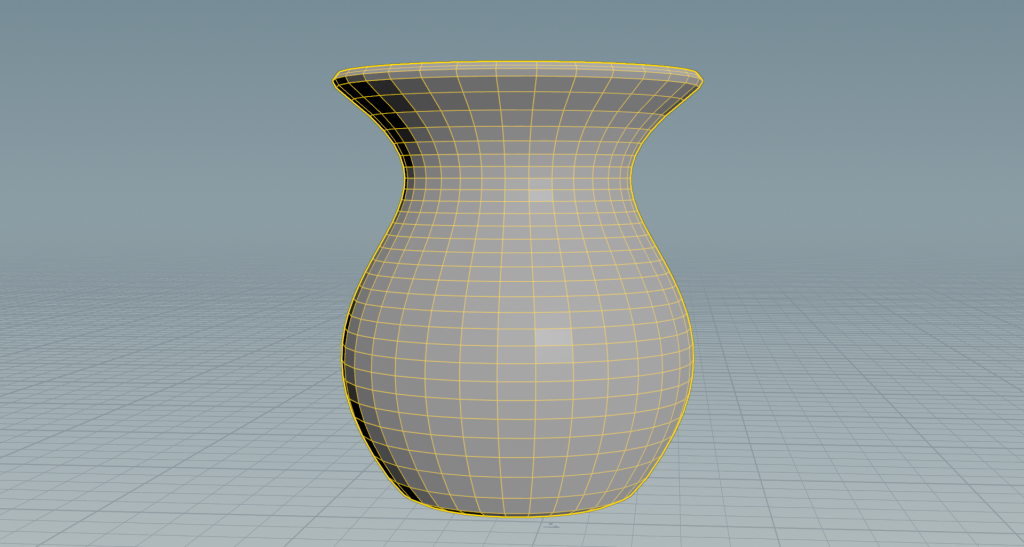
In Houdini, a vase can be created procedurally using basic geometry and modeling nodes in SOPs. You might start with a simple curve that defines the vase’s profile, then use a Revolve node to spin it around an axis and form the main shape. After that, nodes like PolyExtrude are used to give the surface thickness, while additional tweaks with transforms, smoothing, or edge loops help refine the form. Because the setup is procedural, you can easily adjust the silhouette or proportions before sending the geometry into a fracture and DOPnet simulation pipeline.
About Us
The bullet–vase setup benefits from a few extra steps beyond basic fracturing and DOP simulation. After modeling the vase, you’d typically create more realistic break patterns using a combination of Voronoi fracture and noise-based or radial fractures, often driven by the anticipated impact point of the bullet. This helps concentrate smaller shards around the entry area and larger chunks elsewhere, making the destruction feel more physically believable. You can also predefine interior detail (like jagged edges) so the broken surfaces don’t look too clean.
For the bullet itself, instead of just a simple collider, you can enable continuous collision detection (CCD) in the Bullet solver to prevent it from tunneling through the vase at high speed. You might also animate its velocity precisely or import it with initial momentum attributes, ensuring the solver reads it as a fast-moving, high-energy object. Adding an “impact” attribute or using an Impacts node inside the DOPnet lets you detect the exact collision frame, which can then drive secondary effects like spawning extra fractures or triggering particles.
Another useful technique is layering constraints. For example, combining glue constraints with weaker “soft” constraints allows the vase to first crack and flex slightly before fully breaking apart. You can also use constraint networks that weaken over time or based on proximity to the bullet’s path, creating a more dynamic, progressive shatter instead of a single-frame explosion. Inside the DOPnet, a SOP Solver can modify these constraints on the fly, giving you art direction over how the break propagates.
Finally, after the simulation, additional realism often comes from post-processing: adding velocity blur to fast-moving shards, generating fine secondary debris from larger chunks, and using volumes to simulate air displacement or dust from the impact. These subtle layers help sell the speed and violence of the bullet passing through the vase, making the effect feel more cinematic and less like a simple rigid body breakup.
Leave a Reply